
How much should you lift?
Don’t get your starting weight from a chart. Pick a weight you can lift for your target reps with one or two left in the tank. The set itself tells you if you got it right.
One or two reps left.
At the end of the set, you should feel like you could have done one or two more, with good form. Not five more. Not zero. That’s the right weight for today, whatever the number is.
How many reps depends on what you want:
- Just starting: 10 to 15 reps, light, while you learn how the lift should feel.
- Building muscle: 8 to 12 reps.
- Getting stronger: 3 to 6 reps on the big lifts, once you know them well.
The first time on a lift.
- Start lighter than you think. The empty bar, or a light pair of dumbbells.
- Do one full set at your target reps.
- Could you have done four or more extra? Go up one step and try again.
- Form broke, or you couldn’t finish? Go down one step.
- It usually takes two or three tries to dial it in. Write the weight down so you know where to start next time.
Why the charts miss.
Tables by age or bodyweight show what other people lift on average. They don’t know how long you’ve trained, how you slept, or which joints are bothering you. Your own last set does. Use a chart for curiosity, not for a starting weight.
How to tell it’s wrong.
- Too heavy: your form changes, the last reps grind to a stop, or you fall short of the rep range. Drop a step.
- Too light: you hit every rep with plenty left. Go up next time. Here’s the rule for when.
- Pain in a joint: stop that lift. Sore muscles are normal; joint pain isn’t.
Or let your coach pick it.
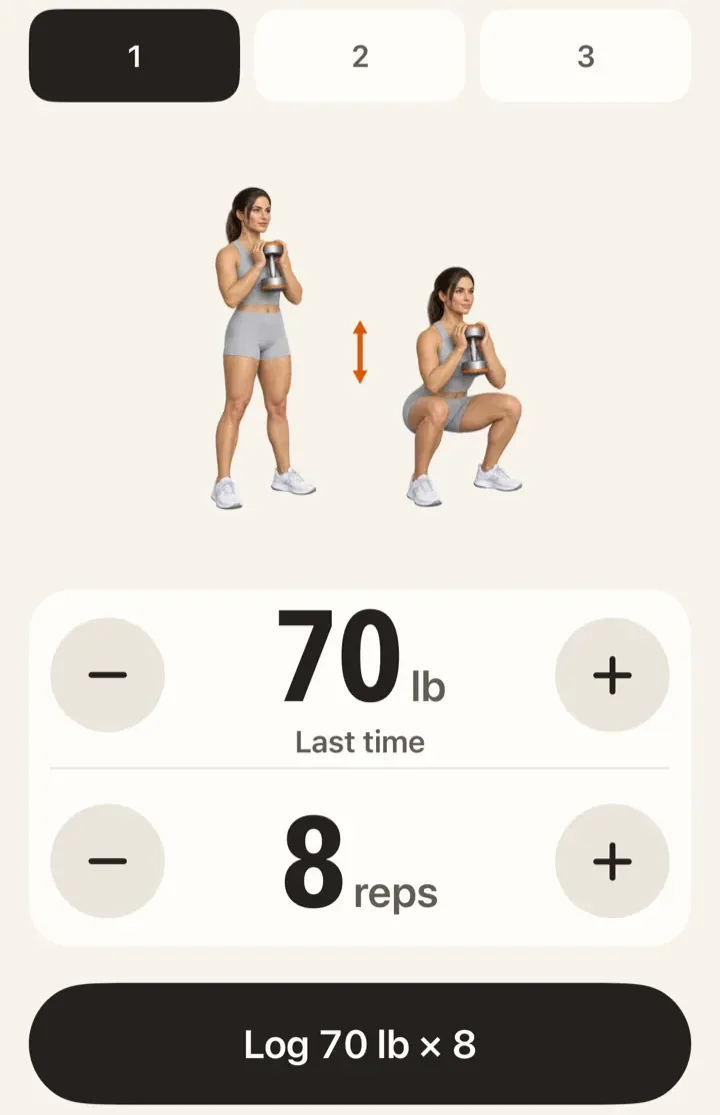
The first time you do a lift, Regimen starts you light and conservative. After that, it remembers every set and picks your weight for the next session. Switching from another app? Import your history, and it starts from your actual weights.
Using another app now? See how Regimen compares.
Athletes have coaches. Now you do.
The app screens on this page show example workouts.